Vehicle Enquiry Service DVLA: What It Is and How to Use It
Quick Answer
GOV.UK's Vehicle Enquiry Service lets you look up a car's tax status, SORN status, MOT expiry, registration date, log book issue date and emissions figures for free using only the registration number. It won't tell you who owns the car or whether it's insured -- those need DVLA's separate written request process and askMID respectively.
Vehicle Enquiry Service DVLA: What It Is
The vehicle enquiry service DVLA runs is the official free online tool at vehicleenquiry.service.gov.uk, hosted on GOV.UK. It is the government's own lookup for basic vehicle details, and all you need to use it is the vehicle's registration number. There is no account to create and no payment required.
What Information Does the DVLA Vehicle Enquiry Service Show?
Enter a registration number and the tool returns the following fields from DVLA's record:
- Current vehicle tax rate and the date it expires
- SORN status (whether the vehicle is declared off the road)
- MOT expiry date
- Date the vehicle was first registered
- Date the last log book (V5C) was issued
- Year of manufacture
- Type approval category
- Weight
- Engine size
- Fuel type
- CO2 emissions
- Real driving emissions level and European emissions status
- Export status
This is the core data set the vehicle enquiry service gov uk page returns. It is enough to confirm a vehicle exists, is taxed or SORN, and has a valid MOT, but it is deliberately limited.
What the Vehicle Enquiry Service Does NOT Show
Several things people expect from a vehicle lookup are not available through this tool.
Registered keeper details. The tool does not show the keeper's name or address. GOV.UK states you must write to DVLA separately to request that information, using the process at gov.uk/request-information-from-dvla. There are lawful reasons for requesting it, but it is not a self-service lookup.
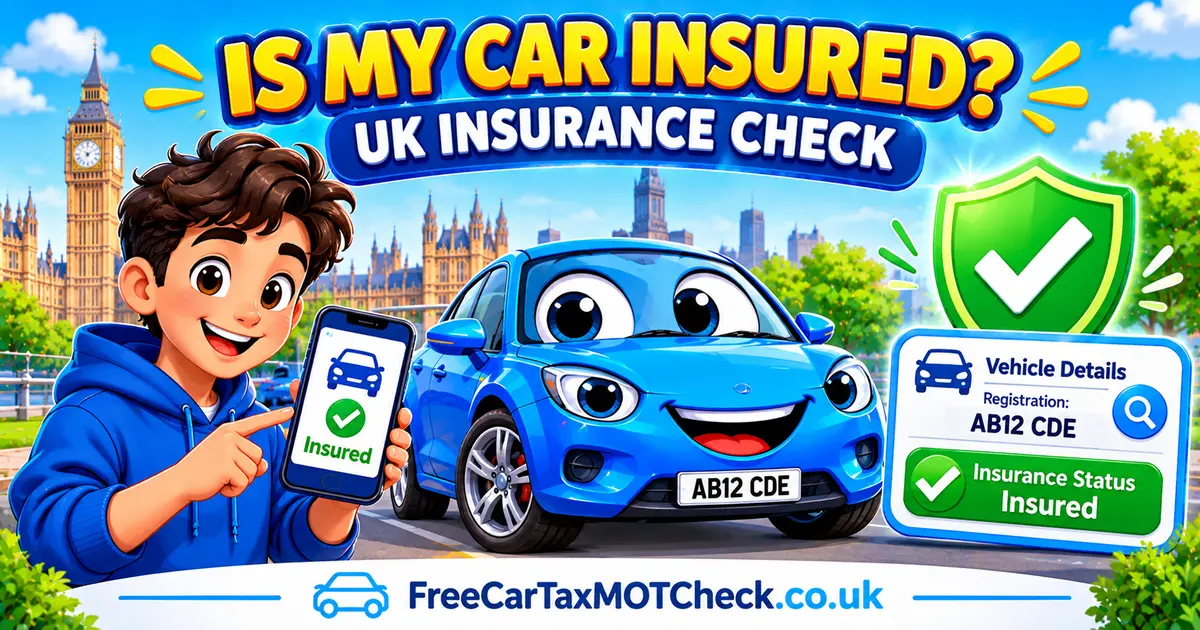
Insurance status. The service does not tell you whether a vehicle is insured. GOV.UK directs users to a separate free service, askMID at askmid.com, for that check.
Colour. The vehicle's colour is not listed among the fields the online tool shows. GOV.UK's own page notes that colour, along with first registration date, year of manufacture, engine size, CO2 emissions and current tax rate, can be obtained by contacting DVLA directly instead.
E10 petrol compatibility is also not covered here; GOV.UK links to a separate dedicated tool for that at gov.uk/check-vehicle-e10-petrol.
How to Use the DVLA Vehicle Enquiry Service
The process takes under a minute:
- Go to vehicleenquiry.service.gov.uk.
- Enter the vehicle's registration number.
- View the result, which lists the tax, MOT, SORN and vehicle specification details above.
GOV.UK files this service under "Buy a vehicle: step by step". The first step in that government-recommended checklist before buying a used car is confirming the seller's claimed details — registration, make, model and MOT number — actually match DVLA's own record using this exact service. If the seller's description does not match what the tool returns, walk away.
Vehicle Enquiry Service vs. freecartaxmotcheck.co.uk's Own Free Checks
Our own tools pull from the same underlying DVLA and DVSA data as the government service. The difference is organisation: the government lookup returns everything in one combined result, while our tools are built around one specific question each.
If you only want to know whether a car is currently taxed, our car tax check answers that directly. If you want the full MOT record — every test, every advisory, every failure — our free MOT history check lays it out in one place rather than showing only the expiry date. For a broader lookup covering the vehicle's core DVLA record, use our DVLA check tool.
None of these replace the official service, and none of them show keeper details or insurance status either. They simply present the same public data in a more focused way -- our DVLA check tool even shows one field the government's own online version leaves out: the vehicle's colour, which GOV.UK only provides if you contact DVLA directly.
For more guides like this, see our How-To section.
Frequently Asked Questions
Ready to Check a Vehicle?
Get instant access to MOT history, tax status, and comprehensive vehicle information
Check a Vehicle Now